Live playback
Browse and search your channels, save favourites and return to your recently watched channels.


Your playlists. Your player.
A desktop player for your own playlists and media. Bring live TV, programme guides and your library together in one place.

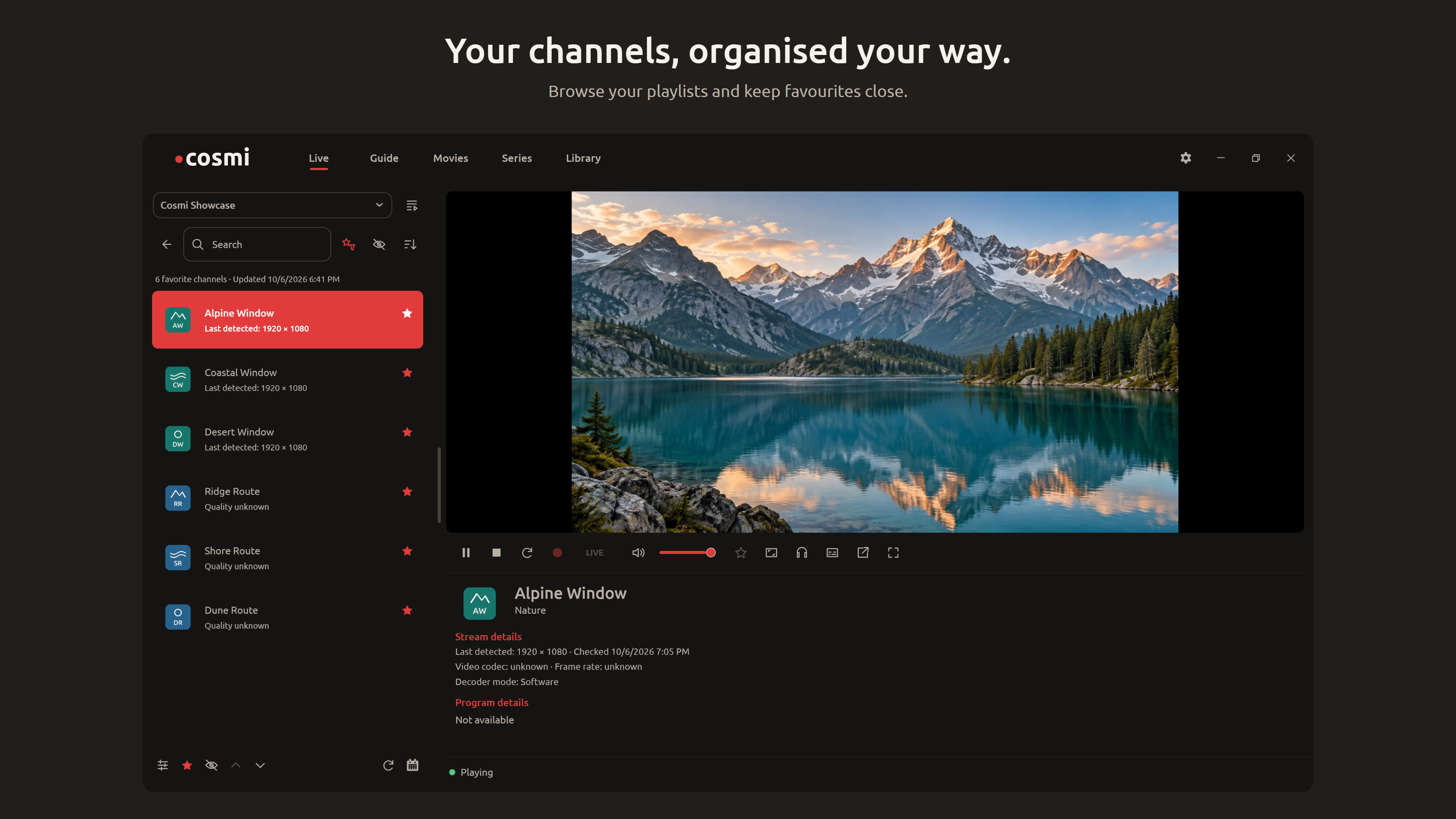
Browse your playlists and keep favourites close.
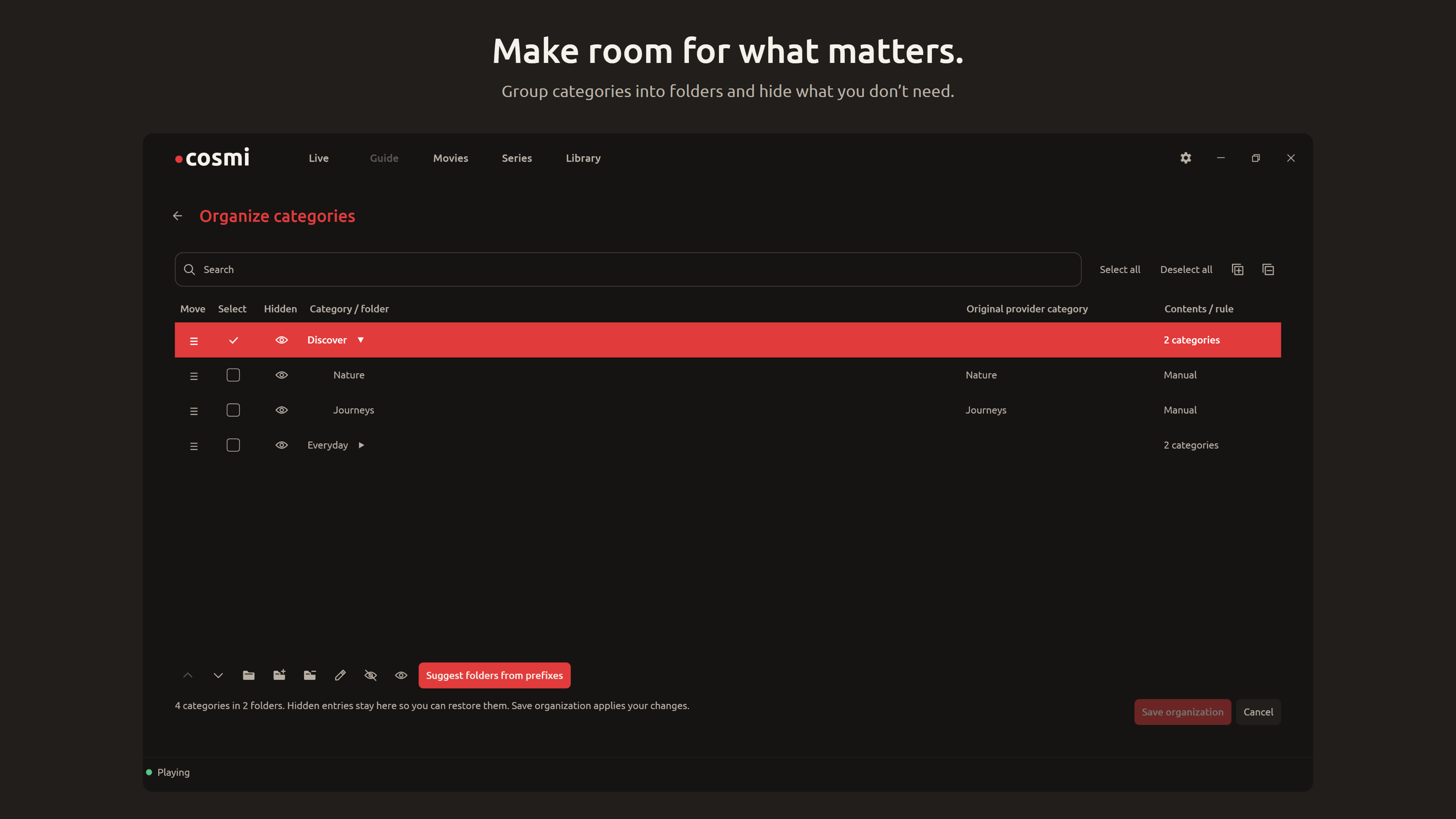
Group categories into folders and hide what you don’t need.
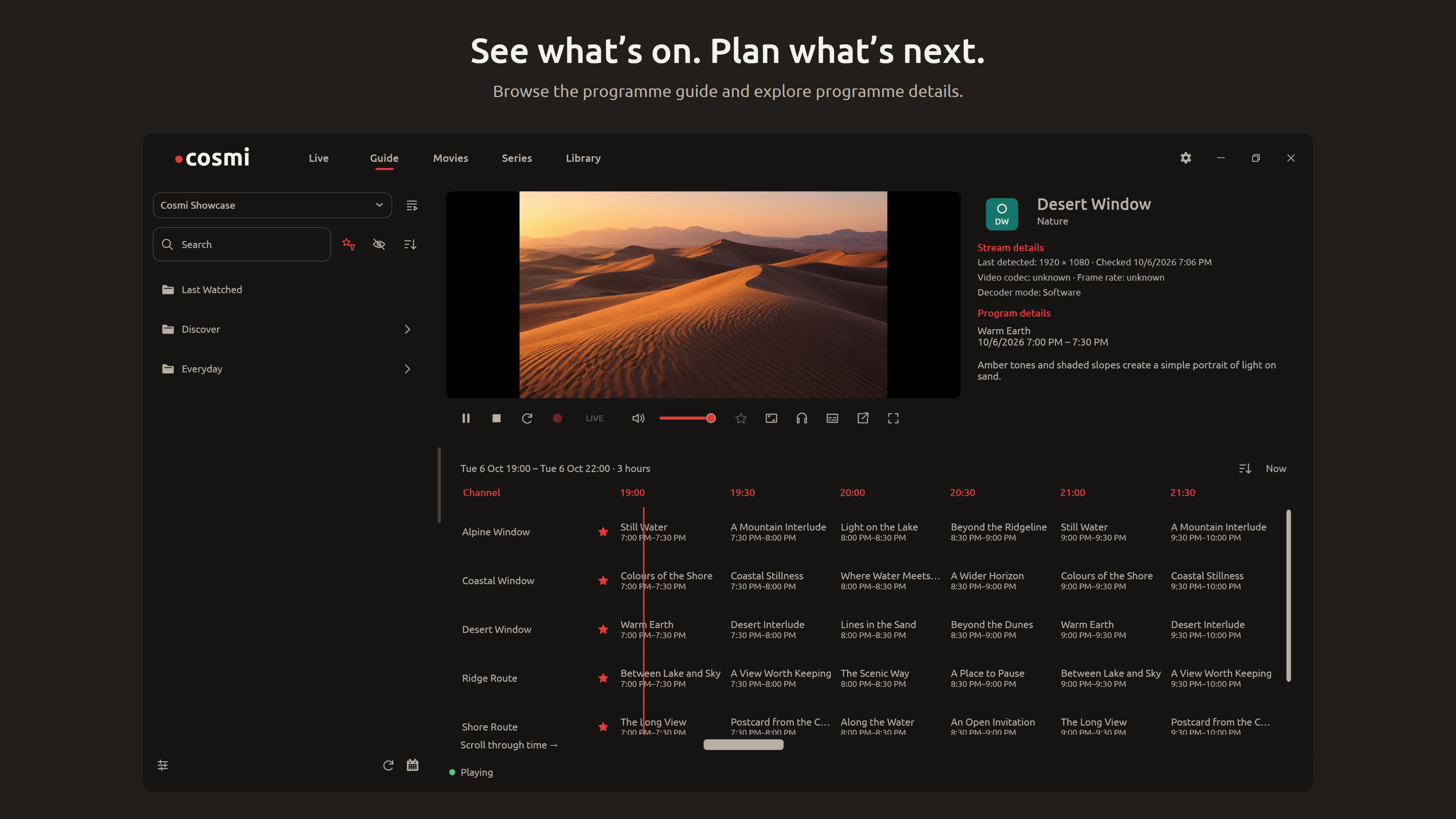
Browse the programme guide and explore programme details.
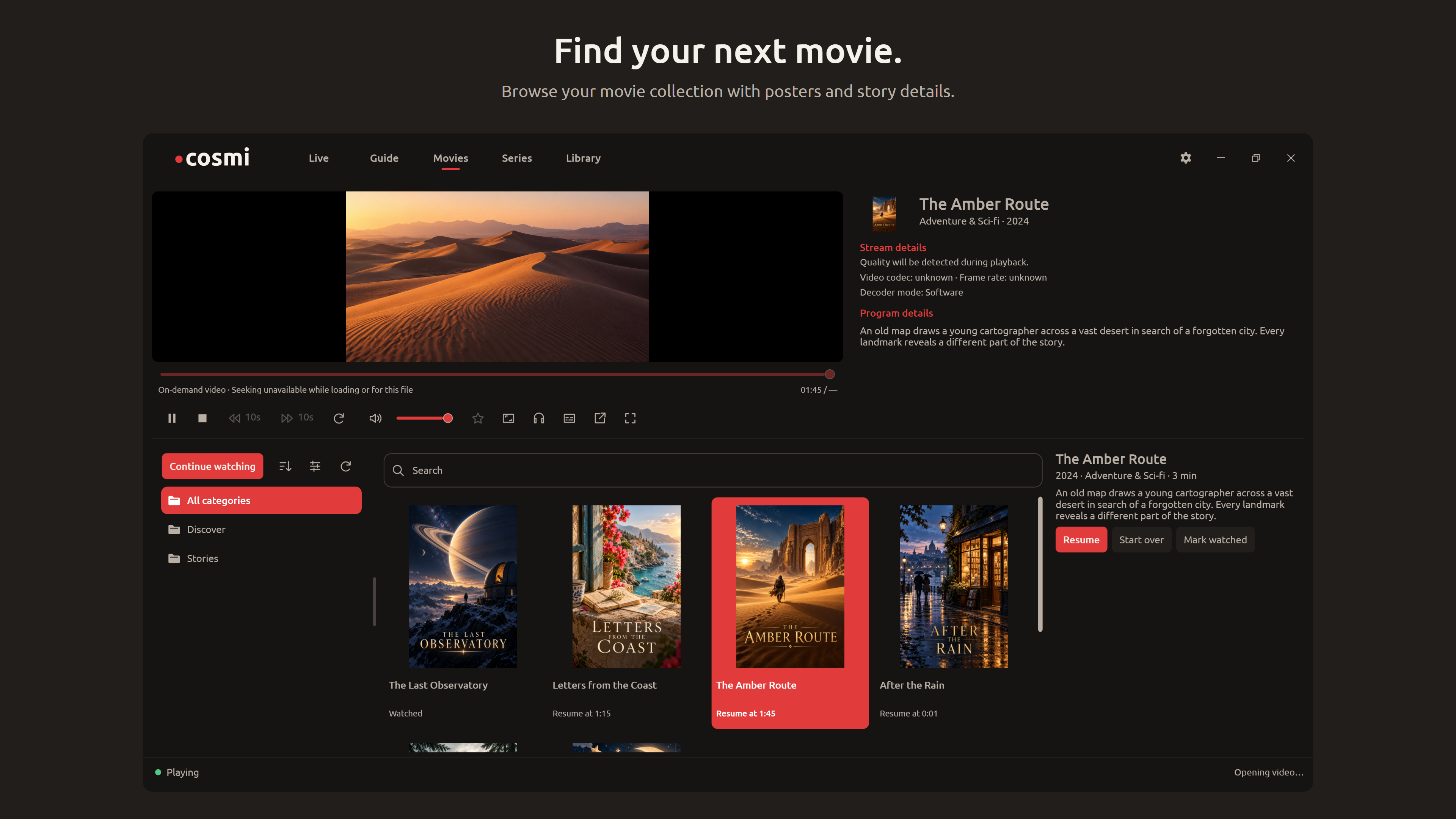
Browse your movie collection with posters and story details.
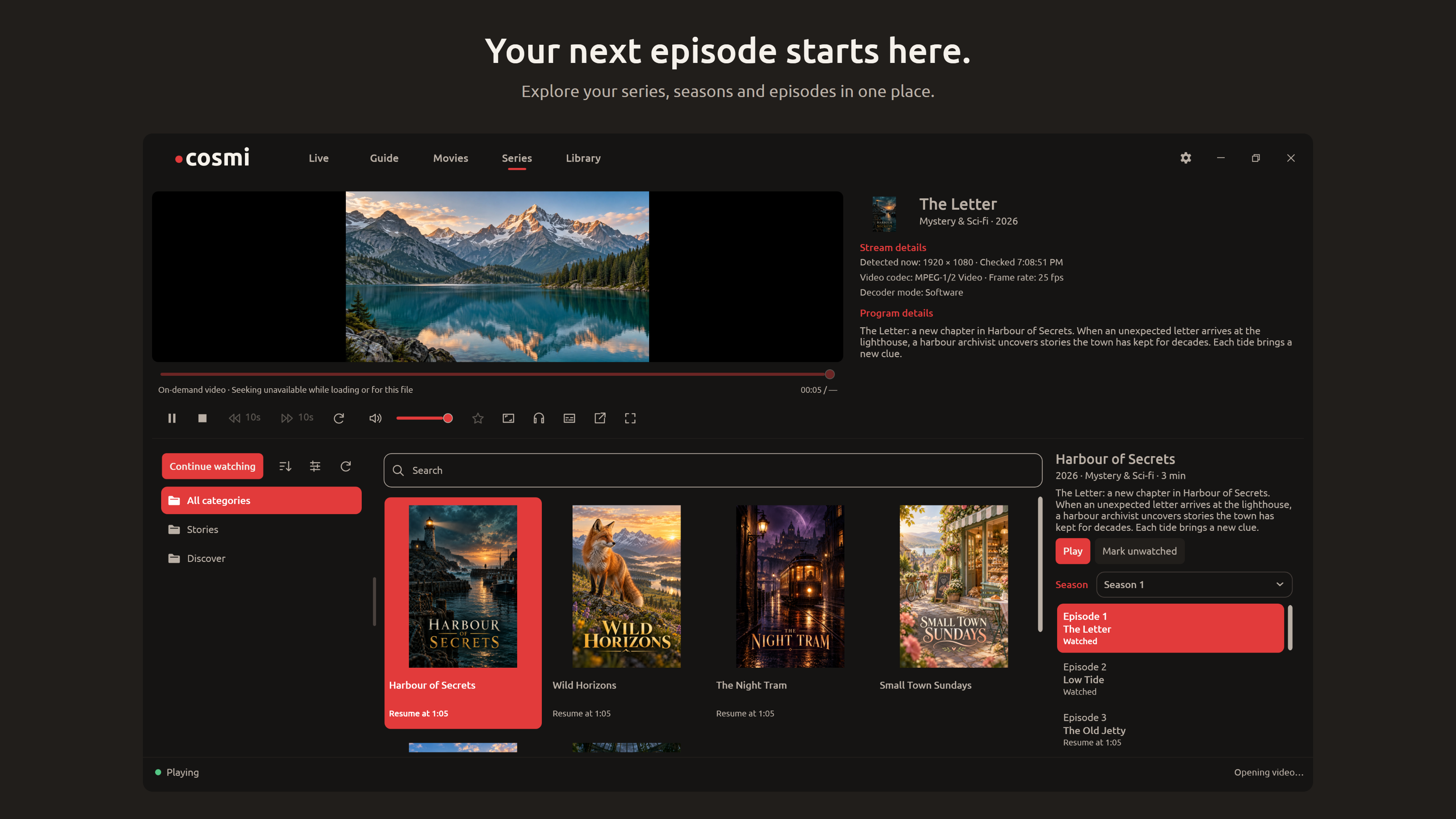
Explore your series, seasons and episodes in one place.
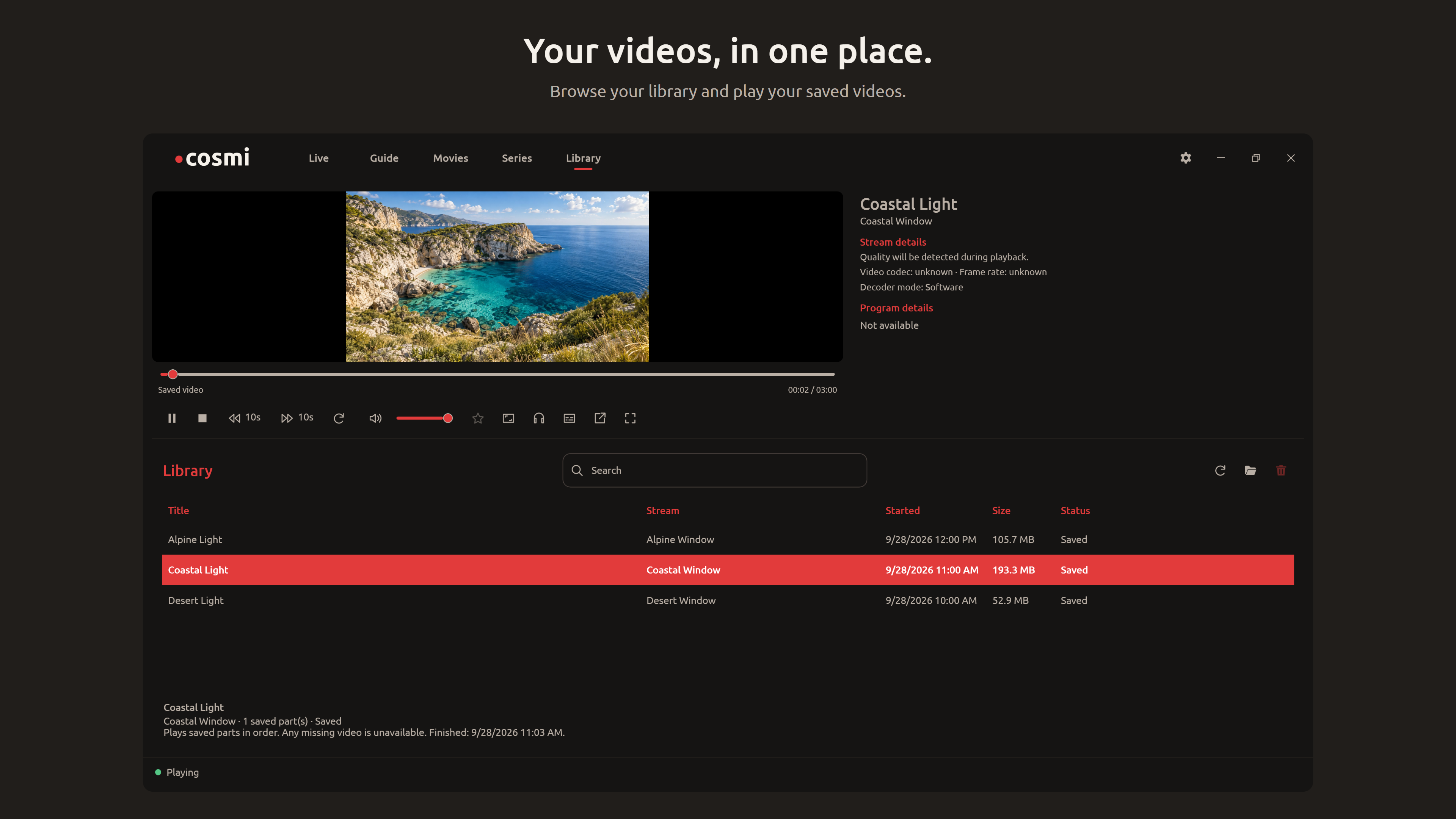
Browse your library and play your saved videos.
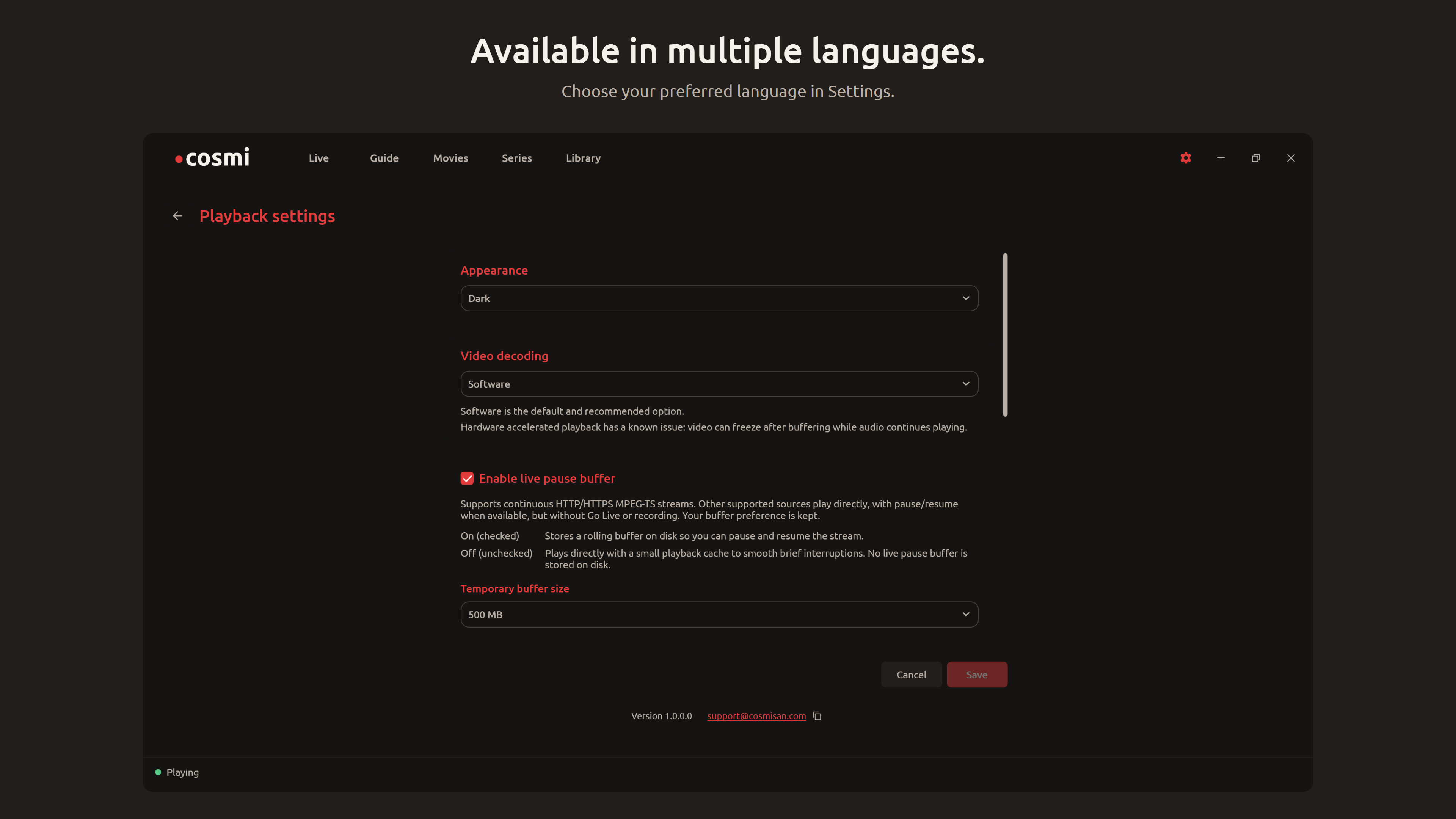
Choose your preferred language in Settings.
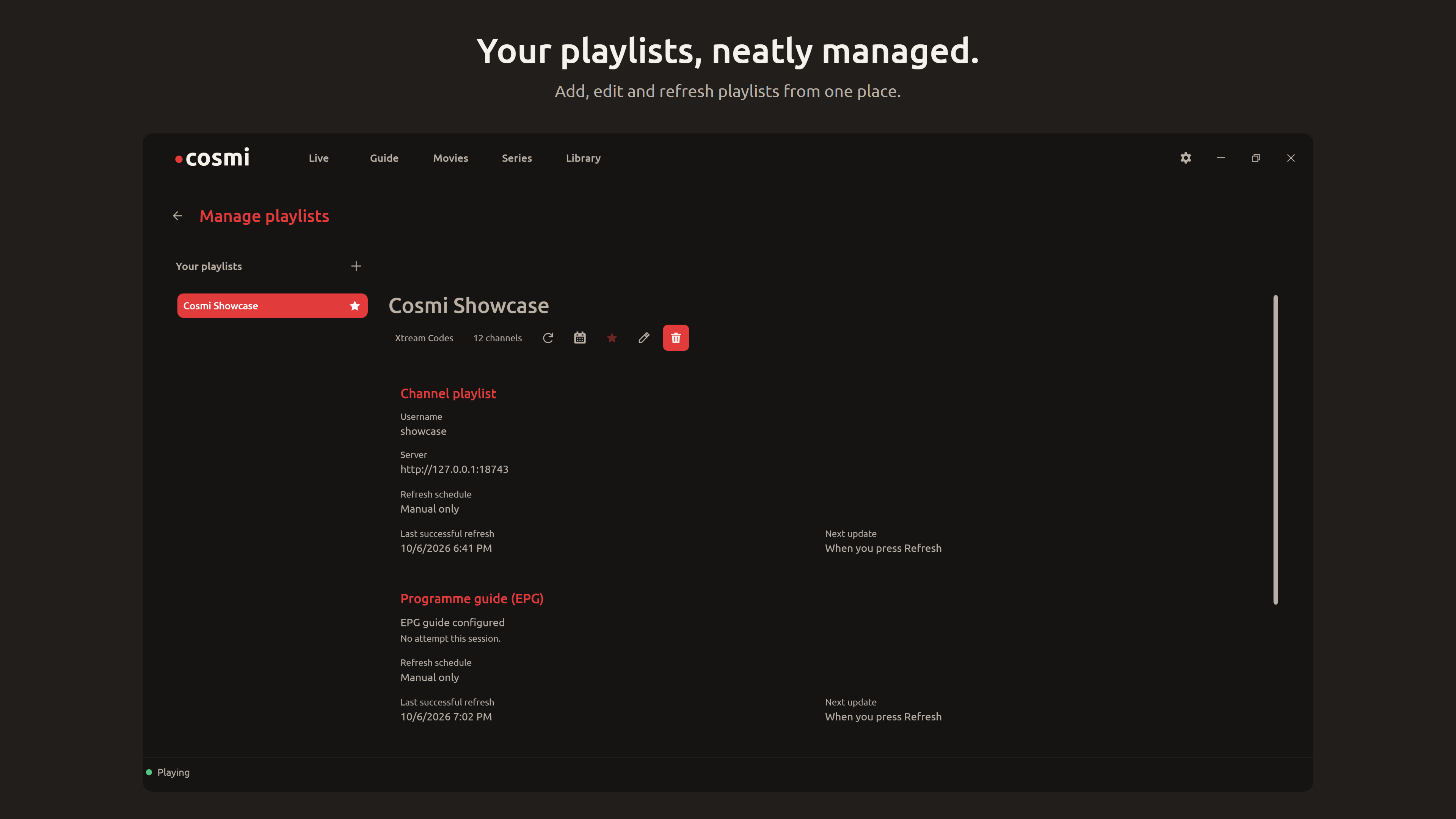
Add, edit and refresh playlists from one place.
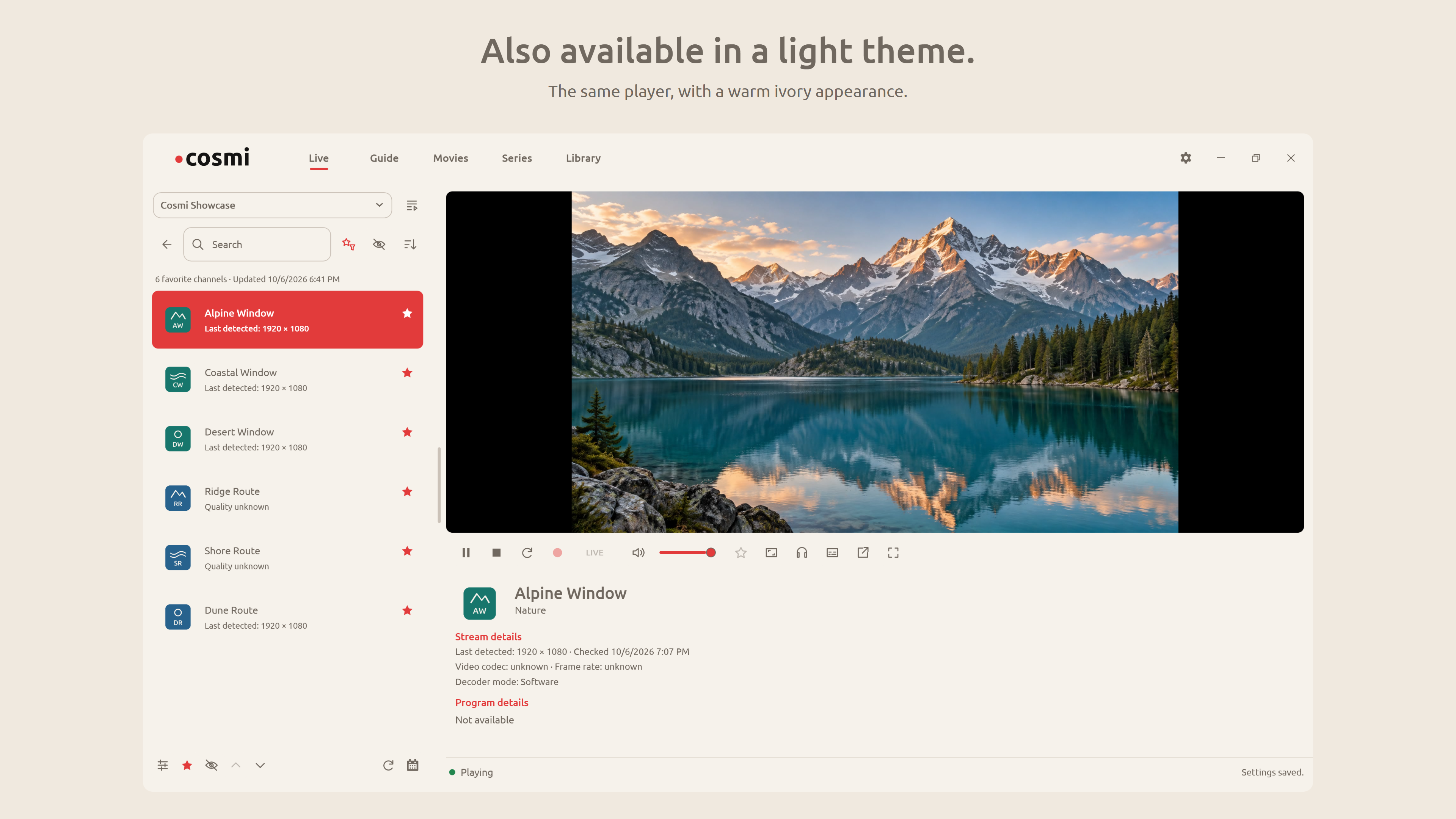
The same player, with a warm ivory appearance.
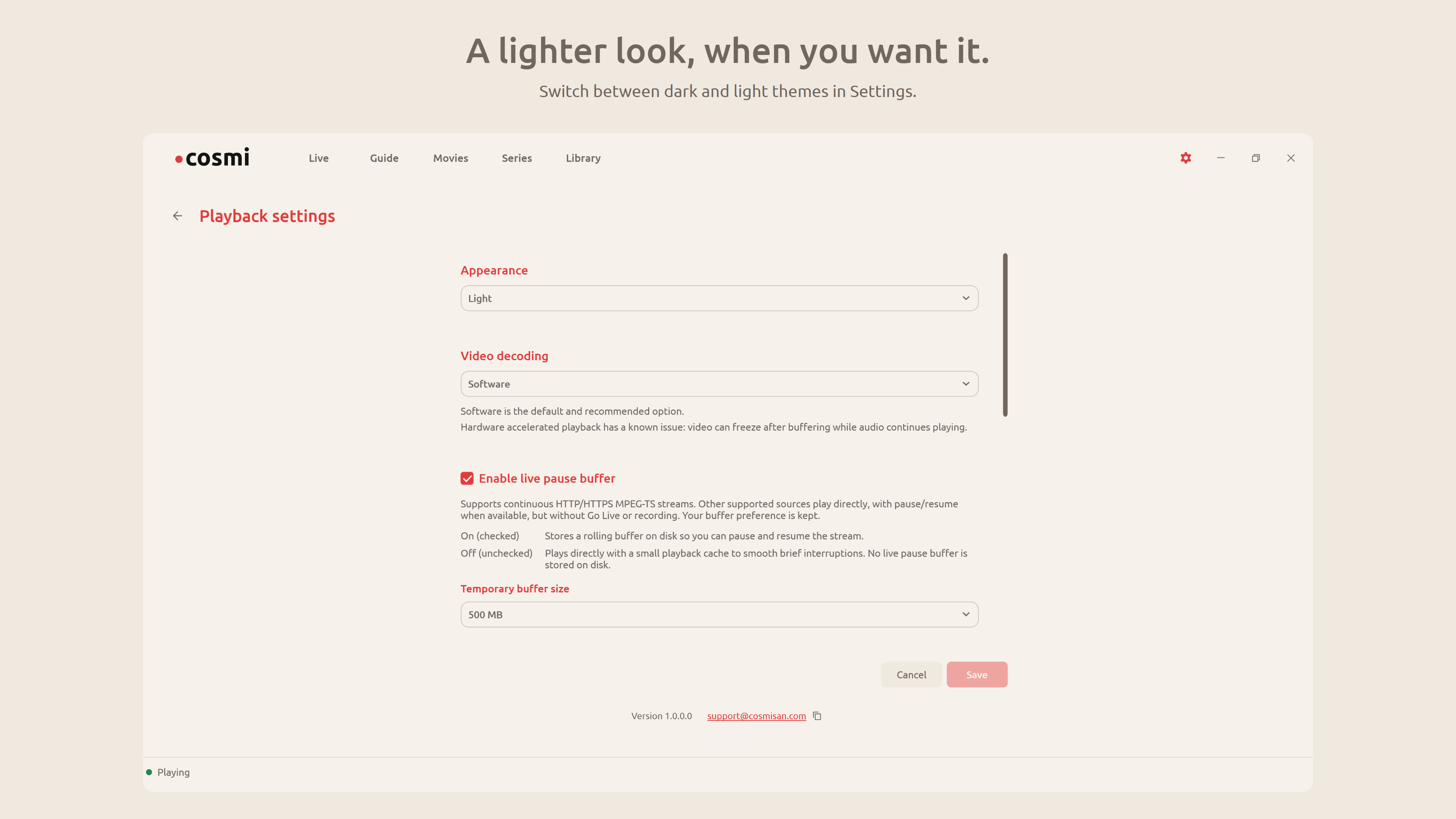
Switch between dark and light themes in Settings.
Illustrative content. Playlists and media are not included with Cosmi Player. Channels and subscriptions are not included.
FEATURES
From your first playlist to your favourite channels, keep watching, browsing and organizing in one place.
Browse and search your channels, save favourites and return to your recently watched channels.
See what’s on and what’s next with your supplied XMLTV guide. Browse the timeline and open programme details.
Group categories into folders, rename and reorder them, and hide the ones you don’t need.
Use the live pause buffer on compatible streams to take a break, resume watching and return to the live broadcast.
Start and stop recordings from compatible live streams and save them in your chosen folder.
Find and play your saved recordings, seek through them and remove the ones you no longer need.
Watch in the main window, move playback into a compact pop-out window, or switch to fullscreen.
Choose a dark or light appearance and adjust the picture size to suit the way you watch.
Available in English, Turkish, Spanish and Arabic. Choose your interface language in Settings.
Browse your provider’s movies, series, seasons and episodes. Resume saved viewing progress and find titles in Continue watching.
Live buffering, Go Live and recording require compatible continuous MPEG-TS streams over HTTP or HTTPS. HLS and online MP4 use direct playback, with pause and resume where supported. Available controls depend on the source.
Choose the source that works for you. Add an XMLTV guide address for programme information, or use one supplied by your playlist or provider.
Import an M3U playlist from your device.
.m3u · .m3u8Add an M3U playlist using a web address supplied by your provider.
HTTP / HTTPSConnect using your provider’s server address, username and password.
Provider accountCosmi Player is a player only. Channels and subscriptions are not included. Use sources you’re entitled to access; playback and recording depend on the source and its permissions.
WHAT’S NEXT
Our roadmap for future updates to Cosmi Player. These features are planned and are not available in the current version.
Plan recordings ahead of time so compatible programmes can be saved to your device at the time you choose.
Watch different streams in separate player windows, where your provider allows simultaneous connections.
Cosmi Player apps for Android and iOS are in development. Availability and release details will be shared here when ready.
Release dates have not been announced. Plans and feature scope may change as development progresses.
PRODUCT INFORMATION
Read the app’s privacy statement, licence agreement and open-source notices. Find versioned third-party source archives and complete notices.